How to Split Cricket Teams Fairly: Random or Balanced, Free
Ten players at the turf, two captains arguing. Split the sides in under a minute and get on with the game.
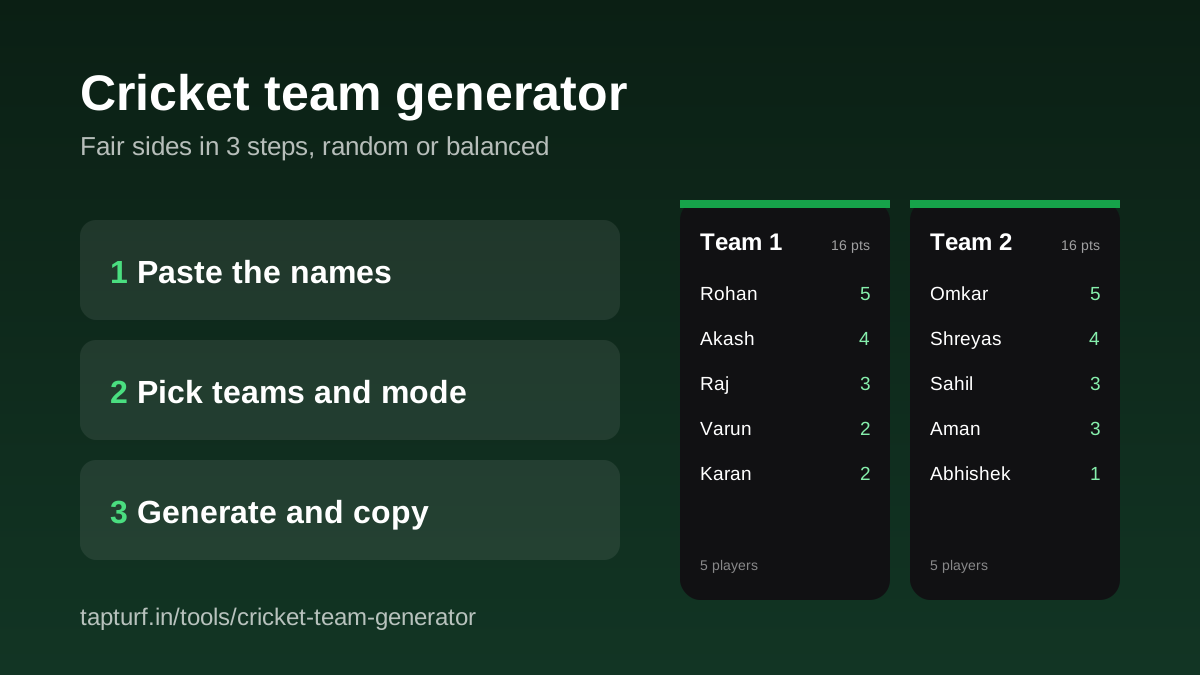
To split cricket teams fairly, open the TapTurf cricket team generator, paste the player names one per line, choose 2, 3 or 4 teams, and tap Generate teams. Random mode shuffles everyone and deals them out evenly. Balanced mode lets you rate each player from 1 to 5 and spreads the strong and the new across the sides. It is free, runs in your browser and needs no sign-up.
It is built for the usual turf problem: the same two friends always end up together, captains take ten minutes to pick, and the match is over in four overs. A neutral split settles that before the toss.
Paste the names, pick the teams, copy them to the group.
Open the team generatorHow do I split players into teams in 3 steps?
- Paste the names. Type or paste the players, one per line. Commas also work, so a list copied from WhatsApp like Rohan, Omkar, Akash is fine. Repeated names are dropped (Rohan and rohan count once), and the list takes up to 40 players.
- Pick the number of teams and the mode. Choose 2, 3 or 4 teams, then Random or Balanced. You need at least as many players as teams, and the counter under the box tells you if you are short.
- Generate and copy. Tap Generate teams to see the sides, Regenerate for a fresh split, and Copy teams to put them on your clipboard as Team 1: names, Team 2: names, ready to paste into the group.
If the box is empty, Try the sample fills it with ten names so you can see how it works before typing your own squad.
Should I use Random or Balanced mode?
Use Random for a casual game where nobody wants to be judged. Every name is shuffled and dealt out in turn, so no captain picked the sides. Use Balanced when the same lopsided match keeps happening. You give each player a quick rating from 1 to 5 (everyone starts at 3), and the generator sorts the players strongest first and deals them in snake order: 1, 2, then 2, 1, then 1, 2 for two teams. Each team card shows its total so you can see the sides are close.
| Pick order | Rating goes to | Running total |
|---|---|---|
| Picks 1 and 2 | 5 to Team 1, 5 to Team 2 | 5 and 5 |
| Picks 3 and 4 | 4 to Team 2, 4 to Team 1 | 9 and 9 |
| Picks 5 and 6 | 3 to Team 1, 3 to Team 2 | 12 and 12 |
| Picks 7 and 8 | 3 to Team 2, 2 to Team 1 | 14 and 15 |
| Picks 9 and 10 | 2 to Team 1, 1 to Team 2 | 16 and 16 |
Players with the same rating are shuffled before the deal, so tapping Regenerate in Balanced mode changes who plays with whom while the team totals stay the same. In Random mode, every Regenerate is a completely new shuffle.
What happens with an odd number of players?
The generator never leaves anyone out. With an uneven count, some teams get one extra player: 9 players into 2 teams gives 5 and 4, and 10 players into 3 teams gives 4, 3 and 3. In Random mode the extra player goes to the first team. In Balanced mode the snake order decides which team gets the extra player, so check the player count shown on each team card. If the sides end up uneven, agree before the toss how the smaller side will bat and field.
Does the team generator save my players?
No. The names stay on your phone or laptop and nothing is stored, so you paste the list again next time. Keeping the squad in a pinned WhatsApp message makes that quick.
What should I do after the teams are set?
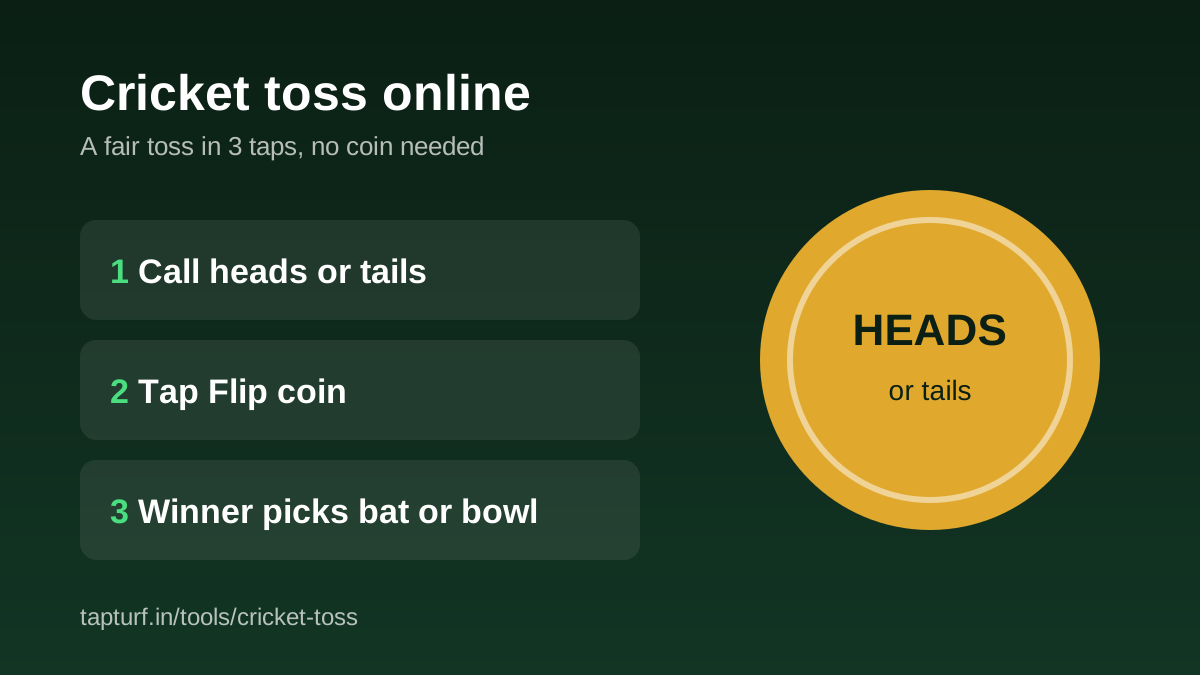
- Settle bat or bowl with the online cricket toss. Our toss guide covers what the Laws say about it.
- Score the match ball by ball in the free live cricket scorer, and share a live link with friends who are not at the ground.
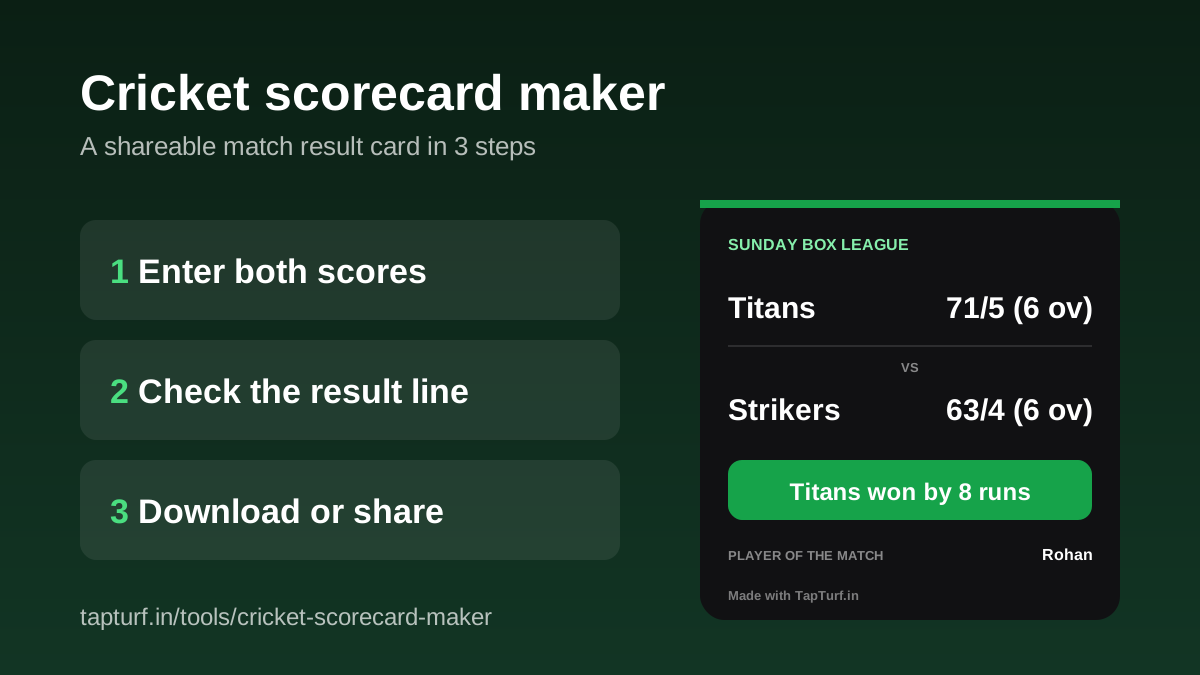
- Post the final result in the group with the cricket scorecard maker.
- Playing a series between three or four teams? Enter each match in the cricket tournament scorer and the points table and net run rate update by themselves.
Teams sorted? Settle bat or bowl in three taps.
Read the online toss guideTurn the final score into a result card for the group.
Read the scorecard guideNeed a ground for the match?
Find a box cricket turfIs the TapTurf cricket team generator free?
How many players and teams can it handle?
How does Balanced mode make teams fair?
Can I paste names copied from WhatsApp?
Can I use it for football or other sports?
Sources
- TapTurf, Cricket Team Generator (tool page, checked 30 October 2026)
- Wikipedia, Fisher-Yates shuffle (the unbiased shuffle Random mode is based on)
Tool behaviour checked on the live TapTurf team generator page and its source on 30 October 2026.